
Example scores · 7/10 gate
Five AI scores behind every clip
Hook, payoff, standalone sense, arc and quotability, shown with each clip. There is no virality percentage.

AI clip maker
Most AI clippers hand back as many clips as they can. Snipri scores every candidate, drops the weak ones and shows you the scores, so you spend your time posting clips rather than sorting them.
Start free with 90 minutes. No credit card required.
Sample recordings each transformed into captioned highlights.
Three steps. Usually about 10 minutes.
Upload a file, paste a supported link, or pick it from Dropbox or Google Drive.
Hook, payoff, standalone sense, arc and quotability. The first three each need 7/10 to make the cut.
Read the scores and the reason beside each clip, edit if you like, and download.
Why Snipri
Example scores · 7/10 gate
Hook, payoff, standalone sense, arc and quotability, shown with each clip. There is no virality percentage.
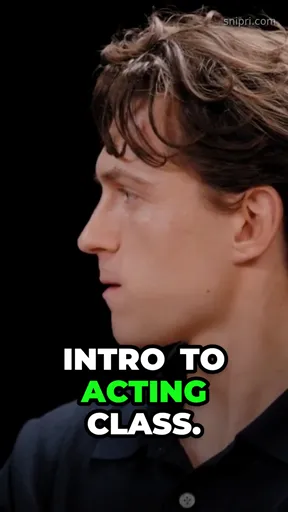

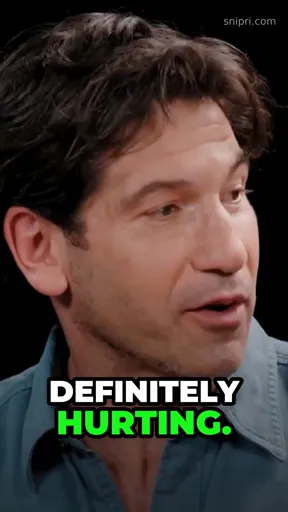
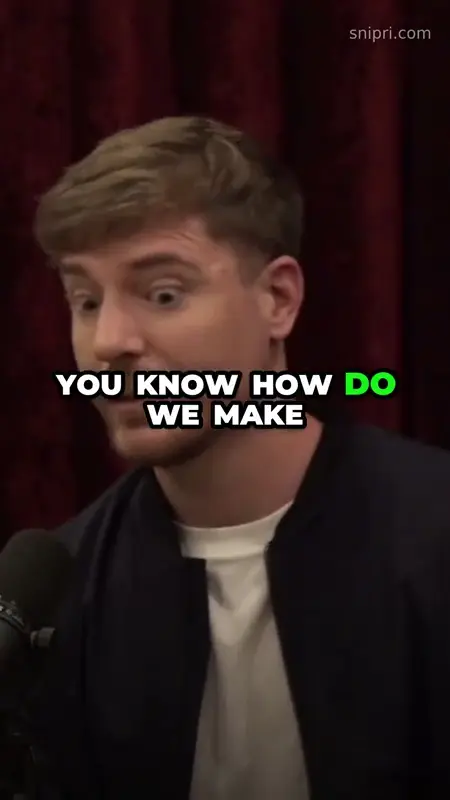
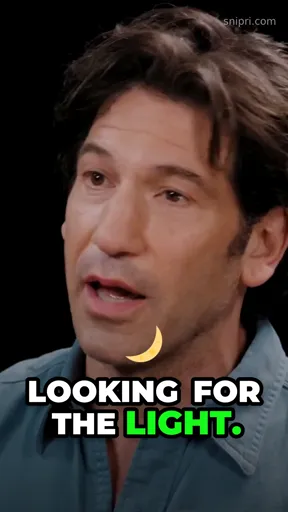
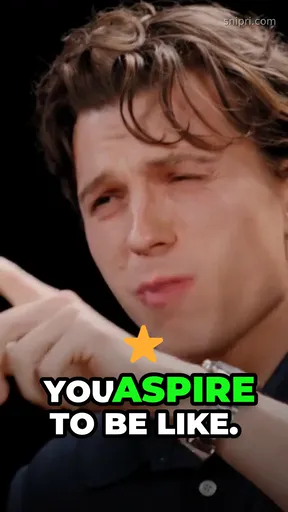
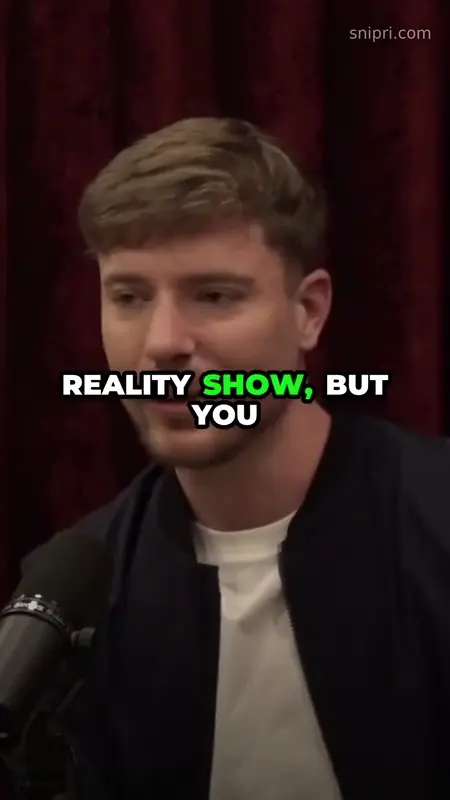
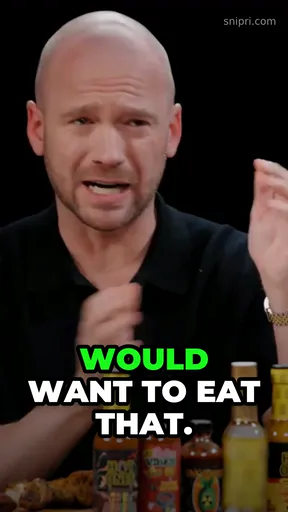
Example · 2 of 8 candidates kept
If a recording holds two strong moments, you get two clips, not ten padded ones.
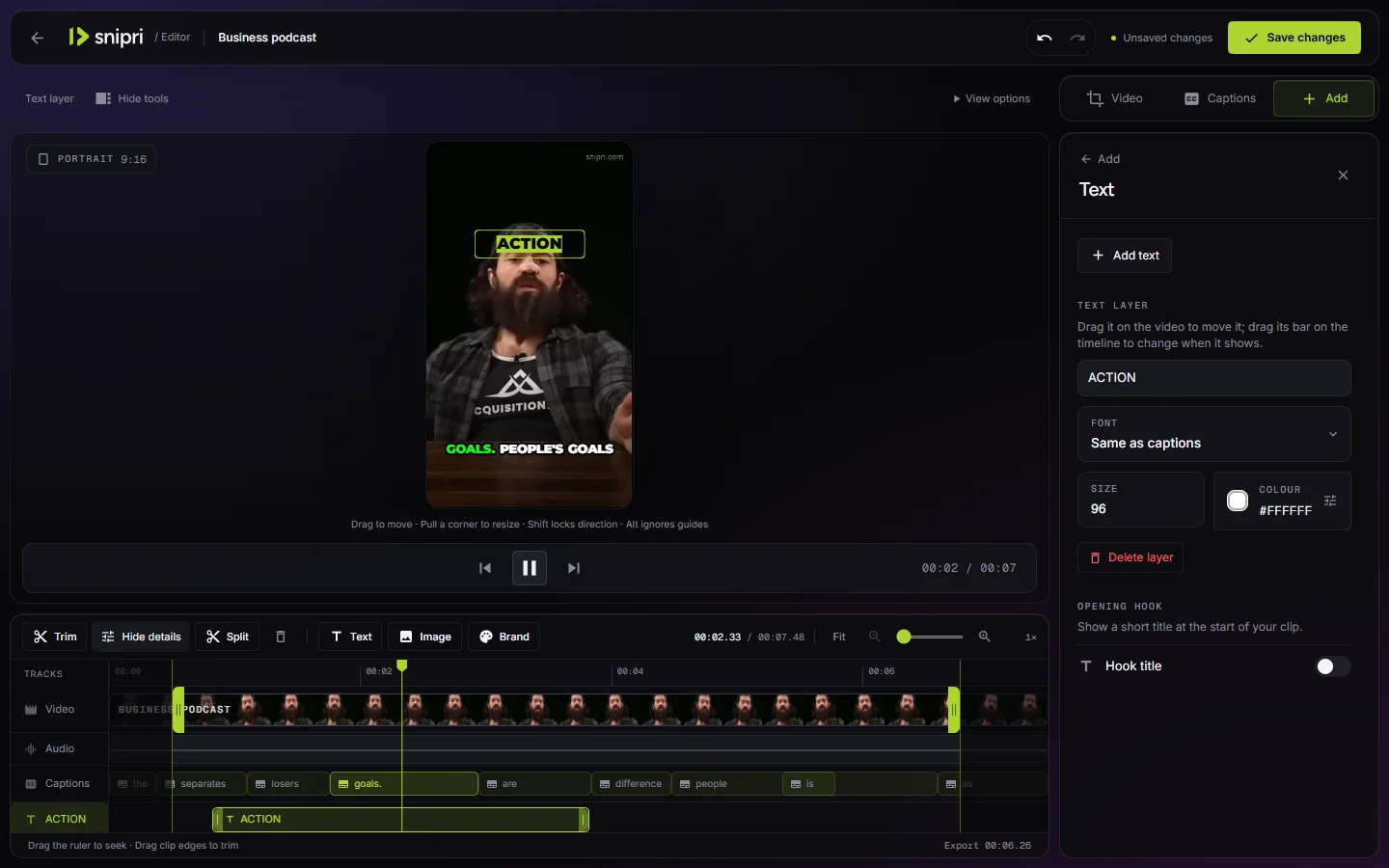
Restyle captions, rewrite the title card, trim or split. Edits never use extra minutes.
Recordings need to be in English for now.
AI clipping
Snipri reads the transcript for complete thoughts with a strong hook and a clear payoff, and drops the rest.
Interview · Single-speaker and split-screen highlights.
Smart reframe
Face tracking keeps the speaker in a 9:16 frame, and a stacked layout keeps two people visible when they share the shot.
Technology interview · From close-up to two speakers in frame.
Captions
Pick a style, then fine-tune fonts, colours and position. Saved brand fonts and colours apply to every clip.
Editor
Trim or split a clip, rewrite the hook title card, and add your own text, images and logo before you export.
Snipri editor · Preview, controls and timeline.
Keep exploring
Turn a full video podcast episode into captioned vertical clips for TikTok, Reels and Shorts. Snipri keeps only the moments that make sense on their own.
Cut long interviews into short captioned clips for TikTok, Reels and Shorts. Snipri finds answers that stand on their own and frames the speaker vertically.
Turn recorded webinars, talks and live sessions into short captioned clips for TikTok, Reels and Shorts. Snipri keeps only the points that stand on their own.
Turn one long video into several YouTube Shorts, Reels and TikToks. Snipri picks self-contained moments, reframes them to 9:16 and adds captions.
Five side-by-side comparisons, each with its sources and the date they were checked.
Upload one recording and judge the clips yourself. The first 90 minutes are free, no card needed.