
Use cases
AI clips from podcasts, interviews, webinars and talks
Snipri is built for long videos where people talk: podcasts, interviews, webinars and talks. Pick the one closest to yours.
Your first 2 videos are free, up to 1 hour each. No credit card required.
Pick your kind of recording
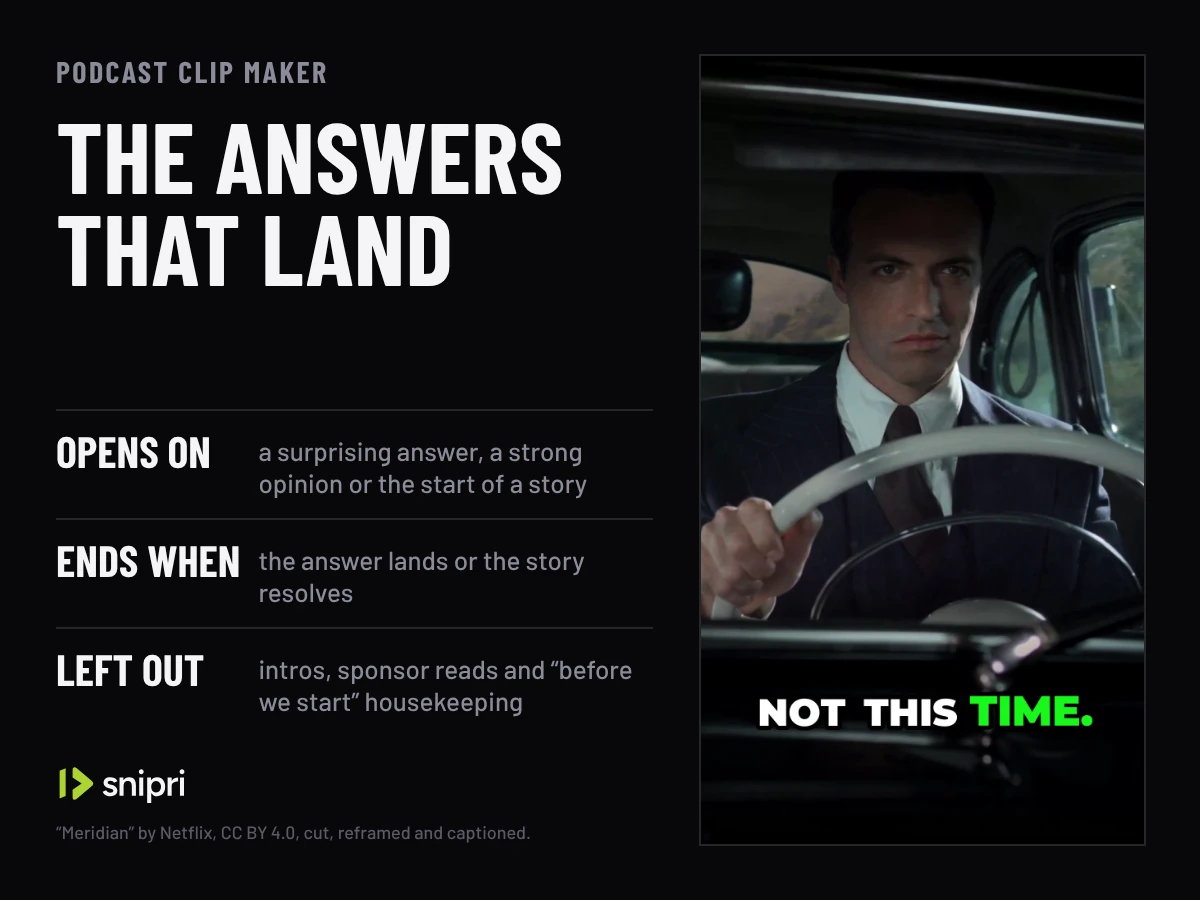
Podcast clip maker
Turn a full video podcast episode into captioned podcast clips for TikTok, Reels and Shorts. Snipri keeps only the moments that make sense on their own.
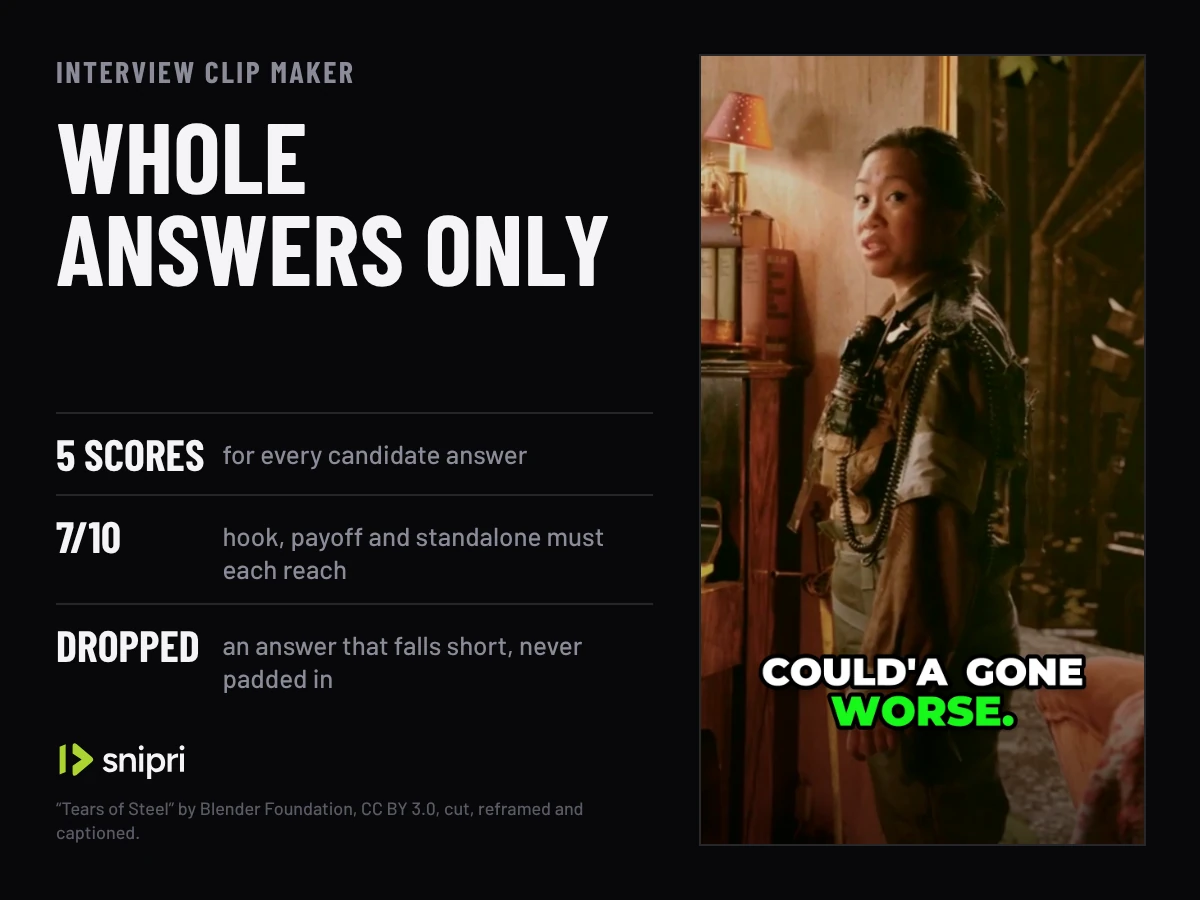
Interview clip maker
Cut long interviews into captioned interview clips for TikTok, Reels and Shorts. Snipri keeps answers that stand on their own and frames the speaker vertically.
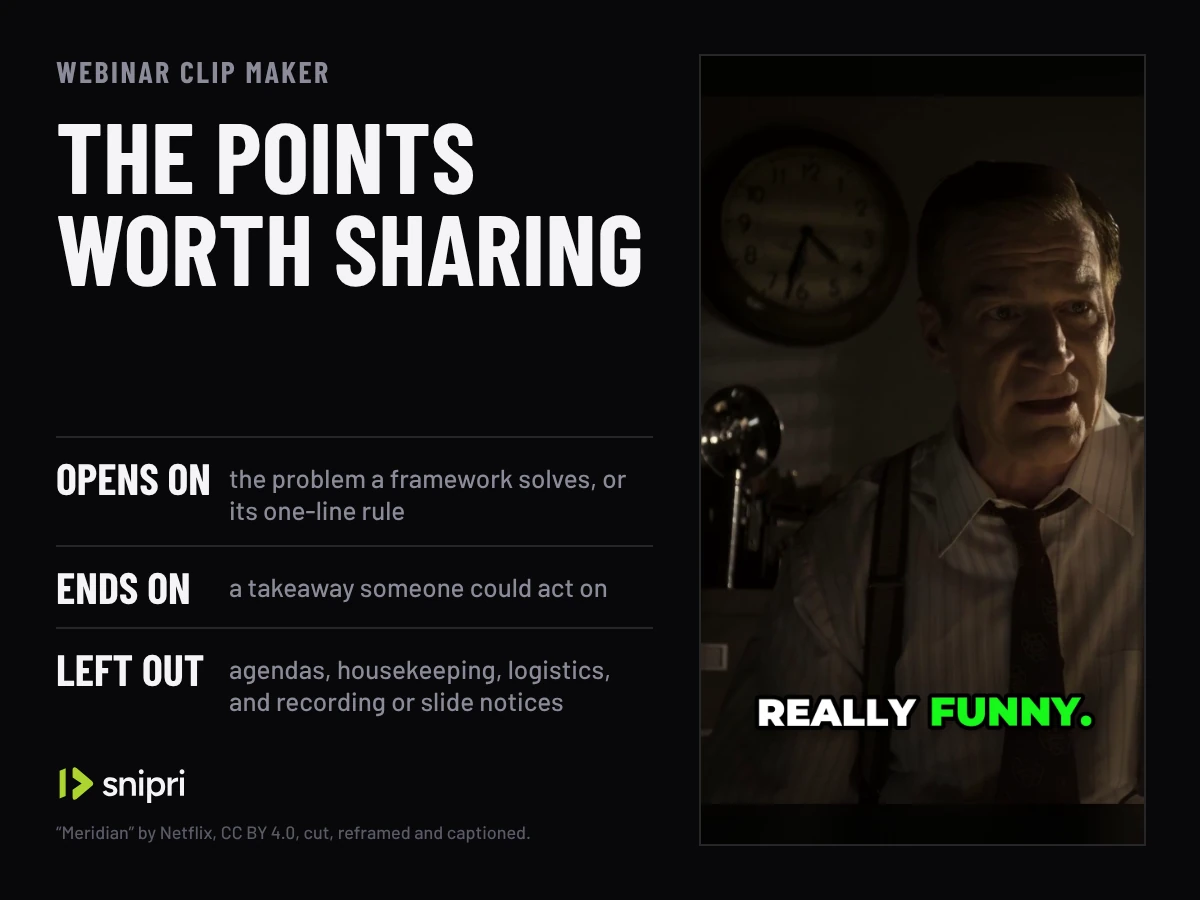
Webinar clip maker
Turn recorded webinars, talks and live sessions into captioned webinar clips for TikTok, Reels and Shorts. Snipri keeps only the points that stand on their own.
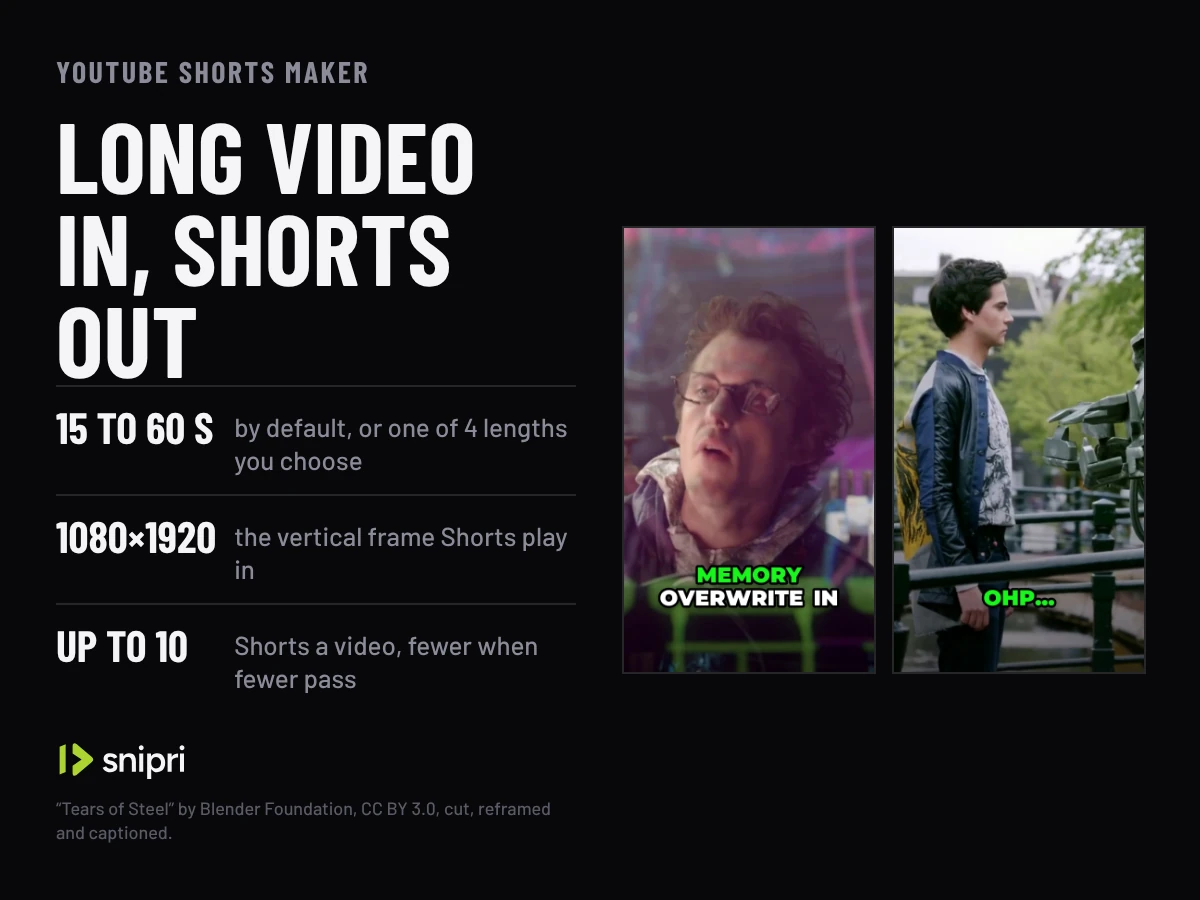
YouTube Shorts maker
A YouTube Shorts maker for long videos. Snipri picks the moments that stand alone, reframes each one to 9:16, captions every word and hands back Shorts to post.
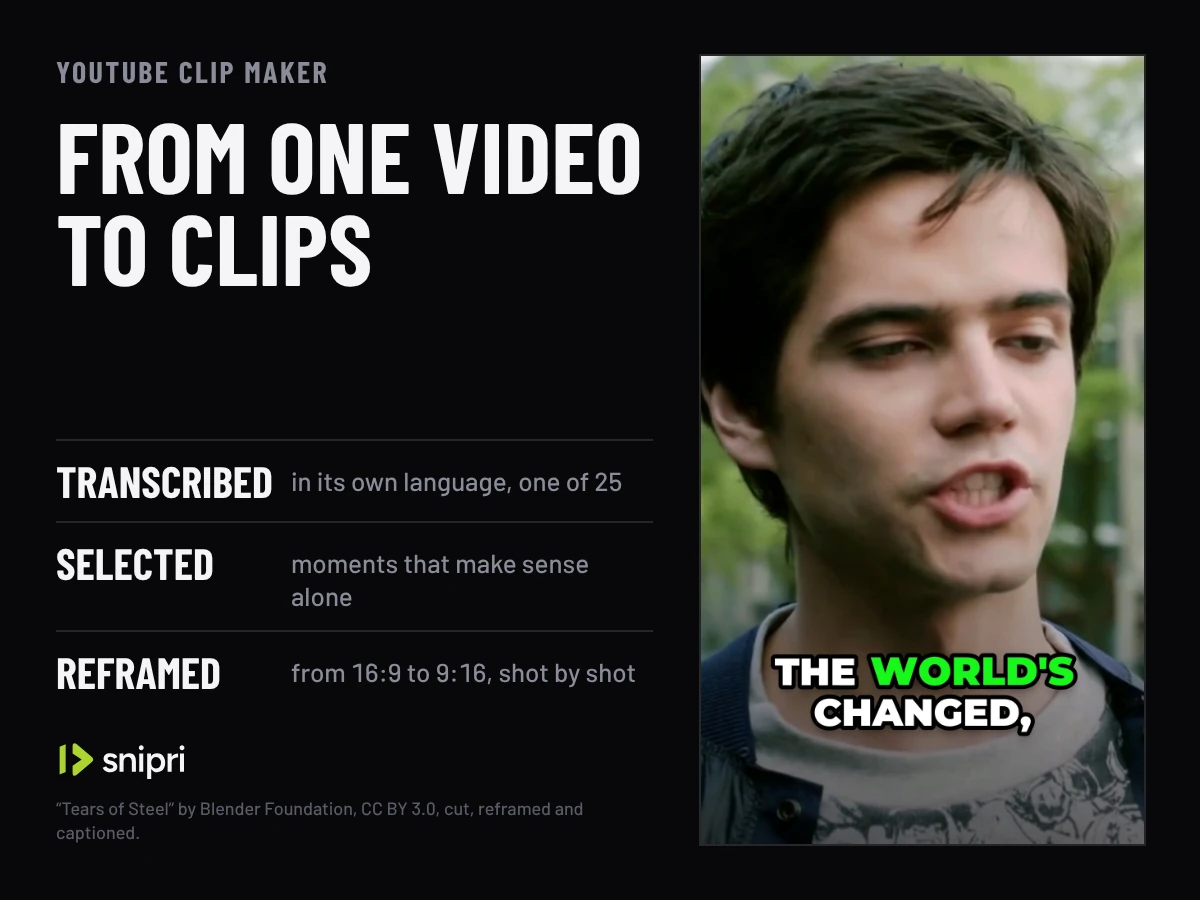
YouTube clip maker
Make clips from a YouTube video: paste a public link, or upload the file at full size. Snipri keeps the moments that stand alone, framed 9:16 and captioned.
What Snipri keeps from each kind of video
Pick the kind of video before a job, or leave it on Auto and Snipri names it first. Each kind is judged by its own rules, and these are the parts each one keeps together and leaves out.
| Kind of video | Keeps together | Leaves out |
|---|---|---|
| Q&A | Each answer with the question it answers, a moderator's restatement included. | Housekeeping, handovers between questions, and questions that are really speeches. |
| Commentary | Enough of what is being reacted to, restated in words, for the clip to make sense. | Takes with no reasoning, channel plugs and comment requests. |
| Marketing | A claim with its proof. | Prices, discount codes, calls to action and hype with no substance. |
| WebinarScreen + speaker | A framework with its example. | Agendas, housekeeping, logistics, and recording or slide notices. |
| Motivational speech | A story with its lesson. | Thanks to organizers, and platitudes repeated with nothing new. |
| Podcast | The question when the answer needs it. | Intros, sponsor reads and “before we start” housekeeping. |
| Academic | An explanation with its example. | Course logistics, deadlines and tangents that never come back. |
| Listicle | An item's name with its explanation, one item per clip. | The intro, recaps of the list, plugs and outros. |
| Product reviewsScreen + speaker | A pro or con with its reason. | Affiliate disclosures, spec-sheet reading and unboxing filler. |
| How-toScreen + speaker | The problem, the essential steps and the result together. | Narration that only works while watching the screen, channel intros and plugs. |
| Comedy | A complete bit, setup and punchline. | Crowd work that only lands in the room, openers and closing plugs. |
| Sports commentaryScreen + speaker | A call with its outcome. | Sponsor messages and the routine commentary between key plays. |
| Sermon | A story with its lesson, a teaching with its text. | Announcements, the offering, and prayers that run the service. |
| News | A story's key facts together, every claim with its attribution. | Handoffs to weather or ads, teases, and items with no outcome. |
| Vlog | A story from its beginning to its end. | Greetings, subscribe requests and moments that only work on screen. |
| GamingScreen + speaker | A play from its setup to its outcome, a question from chat with its answer. | Sponsor reads, stretches that need the screen, and settings talk. |
Screen + speaker: when Snipri confirms a webcam inset in a video of these kinds, the clip shows the screen on top and the speaker below. In every kind, a shot with no face keeps the whole frame on a blurred backdrop.
AI clipping
Clips chosen for you, with the reasons shown.
Snipri reads the transcript for complete thoughts with a strong hook and a clear payoff, and drops the rest. Before a job you can tell it the kind of video, the clip length and moments to look for.
Auto reframe
Wide video, made vertical.
Face tracking keeps the speaker in a 9:16 frame. When two or three people share the shot, Snipri can stack them or cut to whoever is talking.
Auto captions
Captions in your style, word by word.
Pick a style before clipping or after and fine-tune fonts, colours, word highlights and position, or leave captions off. Captions render in all 25 languages Snipri transcribes: when a built-in font lacks a language's letters, the caption switches to one that has them. New clips start in your saved brand look unless you pick another style.
The last word is yours.
Trim or split a clip, split a scene so each part takes its own layout, move or zoom each view, switch to square or landscape, rewrite the hook title card, and add your own text, images and logo.
Restyle the captions, add a hook title, B-roll or music, and save it again. Edits never use another video.
Up to 10 extra seconds before and after each moment, from the part of the video Snipri processed.
Press a word to cut it from the clip.
8.2 seconds
23 words, nothing cut yet
Sample clip: “Everything in here assumes”
Part of a clip Snipri cut from “Find My * 101” by Henryk Plötz, 38C3 (CC BY 4.0, via media.ccc.de), as Snipri reframed it, with the words its job transcribed.
Frequently asked questions
How does Snipri work?
Add a long video by file upload, video link, Dropbox or Google Drive, then choose how it is clipped or keep the defaults. Snipri transcribes it, picks the moments that stand on their own, reframes them to 9:16 and adds word-level captions. The job keeps running once the video is handed over, so the tab can be closed.
Is Snipri free?
You start with 2 free videos of up to 1 hour each, once, with a watermark and no credit card. Paid plans start at $14.90/month for 4 videos a month, each up to 2 hours, without a watermark. A video counts once for each hour of it, rounded up, and only when it gives you at least one clip.
How each part works
Try it on your own recording.
Upload one recording and judge the clips yourself. Your first 2 videos are free, up to 1 hour each, no credit card needed.