
Not every momentis a clip.
AI video clipping that explains why each moment deserves to be a clip.
Snipri is an AI clip maker for podcasts and long videos. It keeps each moment with the context it needs, shows you why it made the cut, then reframes and captions it for TikTok, Reels and Shorts in about 43 minutes.
Your first 2 videos are free, up to 1 hour each. No credit card required.
Cut from real recordings
Each clip is a moment Snipri picked from a real recording, captioned word by word in a different style.
Karaoke on an interview: “it's so important to find people that you can look up to. And people you aspire to be like.” Kapow on a game review: “I mean, this is next gen. This is such a big leap in an open world game.” Sorbet on a talk show: “Am I in danger? No, no. You're going to be okay. Remember, you've prepared for this your whole life, alright? You've got this. You've got this.” Editorial on an explainer: “To get to the next stand of trees, you had to climb down and travel across the open ground. And on the ground, there was absolutely nowhere to hide.” Lucid on a tech interview: “I think AI may exceed the sum of human intelligence in about in around five years. In five years? Roughly five years is my guess.” Pogo on a workout: “Think of your body as a rubber band. If it's stiff, and you yank it too hard, it snaps.” Impact on a business talk: “the thing is that by the time you accomplish goals, the goals themselves seem less meaningful because you already did the work to make that goal reasonable,” Badge on a podcast: “The master smiled and said, I simply don't argue with reality.”
Seven clips from 46 minutes
Snipri scores every moment of a recording for its hook, its payoff and whether it makes sense on its own. Each of the three has to reach 7 out of 10. In this 46-minute fireside chat, seven moments did. The rest was left out.
- The fireside chat
- 45:58
- Clips Snipri kept
- 7
Start From the Problem, Not the Solution
19:07 to 19:55
Can Godot Become a AAA Engine?
30:48 to 31:28
| In the fireside chat | HookHow hard the first 3 seconds grab attention and stop the scroll | PayoffWhether the moment delivers a satisfying point, punchline, or insight by the end | StandaloneWhether it makes sense with zero surrounding context | |
|---|---|---|---|---|
| The seven clips, strongest first | ||||
| Why Godot's Multiplayer Hosting Was Paused | 12:06 to 12:53 | 8 | 7 | 7 |
| Start From the Problem, Not the Solution | 19:07 to 19:55 | 7 | 8 | 7 |
| Can Godot Become a AAA Engine? | 30:48 to 31:28 | 8 | 7 | 7 |
| Godot Steam Releases Grow 60% a Year | 41:11 to 42:04 | 7 | 8 | 7 |
| Why Fixing Bugs Beats Adding Features | 6:13 to 6:34 | 7 | 7 | 7 |
| Fixing Godot's Abandoned Mobile Plugins | 24:17 to 24:57 | 7 | 7 | 7 |
| A Build Pipeline Hack That Saves QA Hours | 27:54 to 28:19 | 7 | 7 | 7 |
| The 4 moments that came closest, left out | ||||
| There Are Jobs for Godot Developers | 44:37 to 45:21 | 6, under 7 | 8 | 7 |
| Why Godot Has No Built-In Terrain Engine | 20:44 to 21:30 | 6, under 7 | 8 | 6, under 7 |
| Why Publishers Rebuild Godot Games in Unity | 25:05 to 25:53 | 6, under 7 | 7 | 7 |
| Managing Volunteers Is Herding Cats | 5:05 to 5:47 | 6, under 7 | 7 | 6, under 7 |
Seven out of ten, or it's left out
On the scale Snipri's AI scores by, a 7 means a moment a skilled editor would post as it is. Each moment is scored on its own merits, never against the rest of the video, so a weak recording can give no clips at all.
- 1 to 4
- Not a clip
- 5 to 6
- It needs changes before it works, such as a clearer opening, missing context or a weak ending
“So I think there's a lot of opportunities for people…”
Left out, hook 6
There Are Jobs for Godot Developers
- 7 to 8
- Strong, a moment a skilled editor would post as it is
“We like to say that making multiplayer games is like 100…”
Clip 1, hook 8
Why Godot's Multiplayer Hosting Was Paused
- 9 to 10
- Exceptional, among the best moments a channel posts
An 8 payoff can't save a 6 hook.
Hook, payoff and standalone are each a gate of their own: a high score on one never makes up for a miss on another. Arc and quotability are scored too, but never gate a moment.
Every clip Snipri keeps comes with its five scores and the reason it was kept, under Why this clip in My clips. How Snipri picks each clip
Wide video, reframed to vertical
Snipri follows whoever is speaking and moves the 9:16 frame with them, so nobody is cut off mid-sentence.
- Follows the speaker, with no jitter between moves.
- Switches between a close-up and both speakers as the conversation moves.
- Layouts for podcasts, interviews and screen shares.
31 caption styles
Press any style to see it on the clip.
Every word is captioned as it is spoken, in 25 languages. Pick a style, change its font and colours, or start from your saved brand kit.
Choose how your clips are made
A short title on screen as each clip starts. Change it or remove it in the editor.
31 styles, 25 languages, timed word by word.
These are switches from the Studio. Set them before each job, or keep the defaults.
The last word is yours.
Open any clip in the editor. Cut a word from its transcript and the video cuts with it.
Restyle the captions, add a hook title, B-roll or music, and save it again. Edits never use another video.
Up to 10 extra seconds before and after each moment, from the part of the video Snipri processed.
Press a word to cut it from the clip.
8.6 seconds
23 words, nothing cut yet
Sample clip: “It got really dark really fast”
A scene from “Meridian” by Netflix, CC BY 4.0, cut for this example and reframed by Snipri. Its words are the film's own captions.
Ask Snip.
Snip is the assistant in the clip editor. Ask for a change in your own words, from fixing a name to cutting the clip to 30 seconds, and Snip makes it.
Hi, I'm Snip. Ask for a change to this clip in your own words, or start with one of these.
- Review this clip
- Fix names
- Make it 30s
- Write 3 hooks
Each change shows here with an Undo, and nothing is saved until you press Save.
Snip is on every plan, the free one included: 300 messages a month, and asking never uses one of your videos. See the plans
How Snipri works
Add a video
Upload videoor drag and dropPaste a video linkVideo links up to 1 hour
A few clicks
Add your video
Upload a file, paste a link from YouTube or elsewhere, or pick from Dropbox or Google Drive.
- Hide
Selecting highlights
about 4 min leftfireside-chat.mp4
- Queued
- Transcribing
- Selecting highlights
- Rendering
- Done
Hiding this won't stop the job. It keeps processing and will show up in My Clips when it's done.
About 43 minutes
AI picks the moments
Snipri scores every moment for hook, payoff and context. Only the ones that stand on their own make the cut, and each comes with the reason it did.
7 clips ready
From fireside-chat.mp4
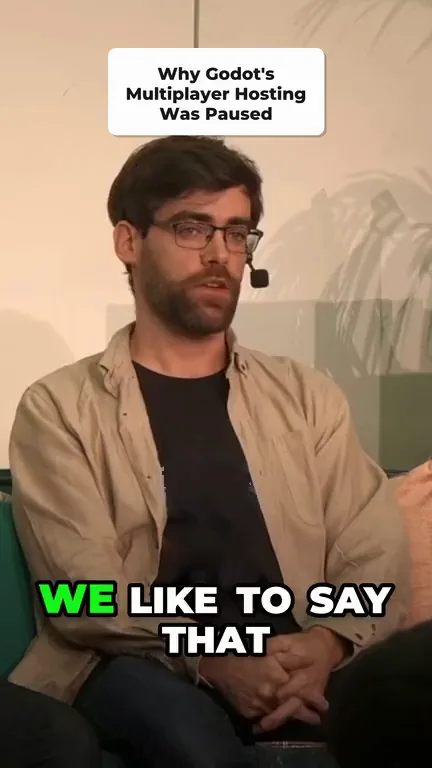 Why Godot's Multiplayer Hosting Was Paused
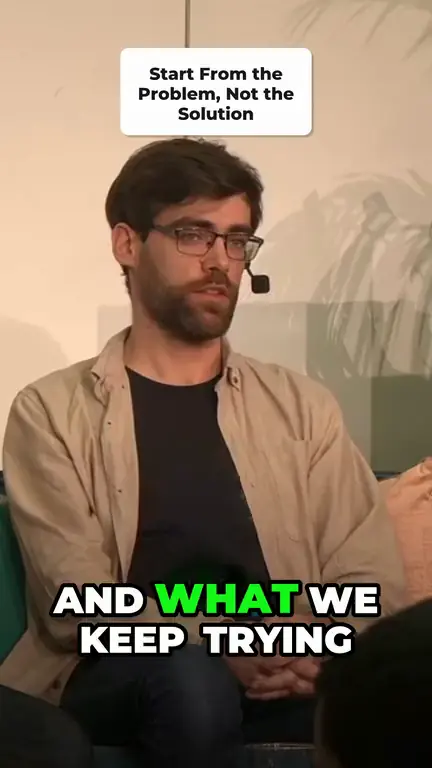 Start From the Problem, Not the Solution
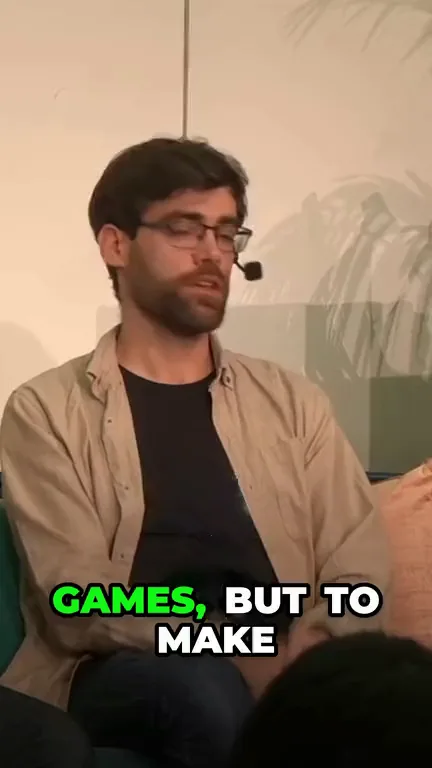 Can Godot Become a AAA Engine?
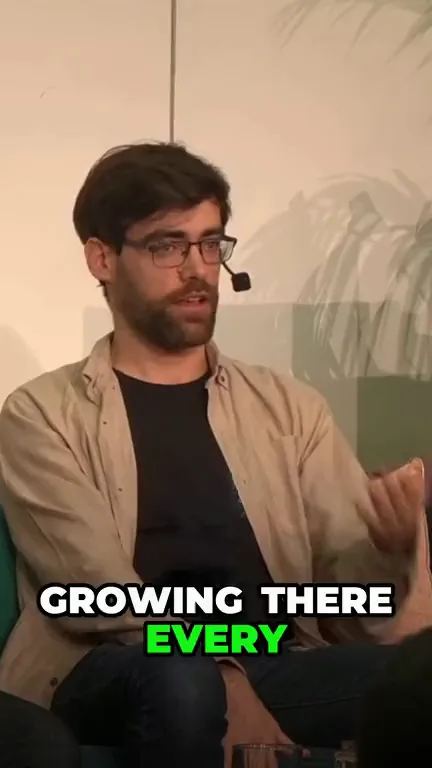 Godot Steam Releases Grow 60% a Year
- +3 more
Review and download New videoYour call
Review and download
Check your captioned clips, trim if needed, and download them in 9:16 for TikTok, Reels and Shorts.
Pay for videos, not clips
Free
$0 to start
- Videos
- 2, one time
- Clips
- Up to 20
- Longest video
- 1 hour
- Largest upload
- 1 GB
- Watermark
- On every clip
- Also included
- Customizable word-level captions
- Clips never expire
- 9:16 clips for Reels, Shorts and TikTok
Starter
$29.90 a month
Billed monthly
- Videos
- 10 a month
- Clips
- Up to 100 a month
- Longest video
- 2 hours
- Largest upload
- 3 GB
- Watermark
- None
- Also included
- Customizable word-level captions
- API access
- Email support
Pro
$89.90 a month
Billed monthly
- Videos
- 30 a month
- Clips
- Up to 300 a month
- Longest video
- 3 hours
- Largest upload
- 10 GB
- Watermark
- None
- Also included
- API access
- Priority email support
- Customizable word-level captions
Scale
$299 a month
Billed monthly
- Videos
- 100 a month
- Clips
- Up to 1,000 a month
- Longest video
- 3 hours
- Largest upload
- 10 GB
- Watermark
- None
- Also included
- Everything in Pro
- API access
- Dedicated support
Plans count videos, never clips. A video counts once for each hour of it, rounded up, so an hour or less is one, and only when it gives you at least one clip.
Every plan includes clip selection, reframing to 9:16, captions you can restyle and the clip editor, and editing a clip never uses another video. Links and cloud files can be up to an hour long, and from a longer upload you can keep just the part you want, which is all that counts. Unused videos do not roll over.
Frequently asked questions
Do I need video editing experience?
No. Add your video and Snipri selects, reframes and captions the clips. Review the results, make any adjustments and download. How to make podcast clips is a checklist for that review.
Is Snipri free?
You start with 2 free videos of up to 1 hour each, once, with a watermark and no credit card. Paid plans start at $29.90/month for 10 videos a month, each up to 2 hours, without a watermark. A video counts once for each hour of it, rounded up, and only when it gives you at least one clip.
How long does it take to get my clips?
About 43 minutes for a typical recording. Studio updates the estimate as the job progresses. You can close the tab and return to your library when the clips are ready.
Who can see my clips?
Your clips stay in your library behind your login. Nothing is published without you choosing to share it. The services used to process your videos are listed in the privacy policy.
Can I see why a clip was selected?
Yes. Every clip Snipri picks comes with its five scores and a written reason for keeping it. Open a clip in your library to see them. The number of clips depends on the recording.
How is Snipri different from Opus Clip or Klap?
Snipri is built for talking-head video like podcasts, interviews and talks. Instead of returning as many clips as possible, it leaves out moments that do not stand on their own and shows why each clip was picked. Our comparison pages cover pricing and features side by side.
How do I add a video?
Upload a file, choose one from Dropbox or Google Drive, or paste a supported video link, including a public YouTube video. Only import videos you own or have permission to use. Private, members-only and live videos are not supported.
Is there a watermark?
Free exports include a Snipri watermark. All paid plans, including Starter, export without it.
What will my clips look like?
Vertical 1080×1920 clips, up to 10 per job, with word-level captions and an optional opening title. Clips run 15 to 60 seconds by default. Before a job you can choose 10 to 30 seconds, 30 to 60 seconds, 60 to 90 seconds or 90 seconds to 3 minutes instead. Each job makes at most 10 minutes of clips, so longer clips come back fewer. Download them for TikTok, Reels or Shorts, or adjust them in the editor first, where you can also switch a clip to square or landscape.
Can I change where a clip starts and ends?
Yes. Trim a clip or split it into two. New clips can offer up to 10 extra seconds before and after the selected moment when that footage is in the part of the video Snipri processed. Older clips without this extra footage can still be shortened.
What languages does Snipri support?
Snipri transcribes and captions 25 languages: Croatian, Czech, Danish, Dutch, English, Finnish, French, German, Greek, Hungarian, Indonesian, Italian, Japanese, Korean, Norwegian, Polish, Portuguese, Romanian, Russian, Slovak, Spanish, Swedish, Turkish, Ukrainian and Vietnamese. Choose the spoken language when you add a video, or let Snipri detect it.
Your next post is already in your video.
Upload one recording and see which moments make the cut, and why. Your first 2 videos are free, up to 1 hour each, no credit card needed.