
Brandkit
Brand kit: add your logo and fonts to every clip
Putting a logo and a handle on every clip by hand is the part nobody wants to do. Save them once in the brand kit and Snipri puts them on every new clip it makes, in your font and your caption look.
Your first 2 videos are free, up to 1 hour each. No credit card required.
What is a brand kit?
A brand kit is the look your account saves once: a caption style, a logo, a line of standing text such as your handle, up to 6 colours and your own font. Snipri reads it at the start of every job, so new clips arrive already wearing it, and any one clip can still be changed in the editor.
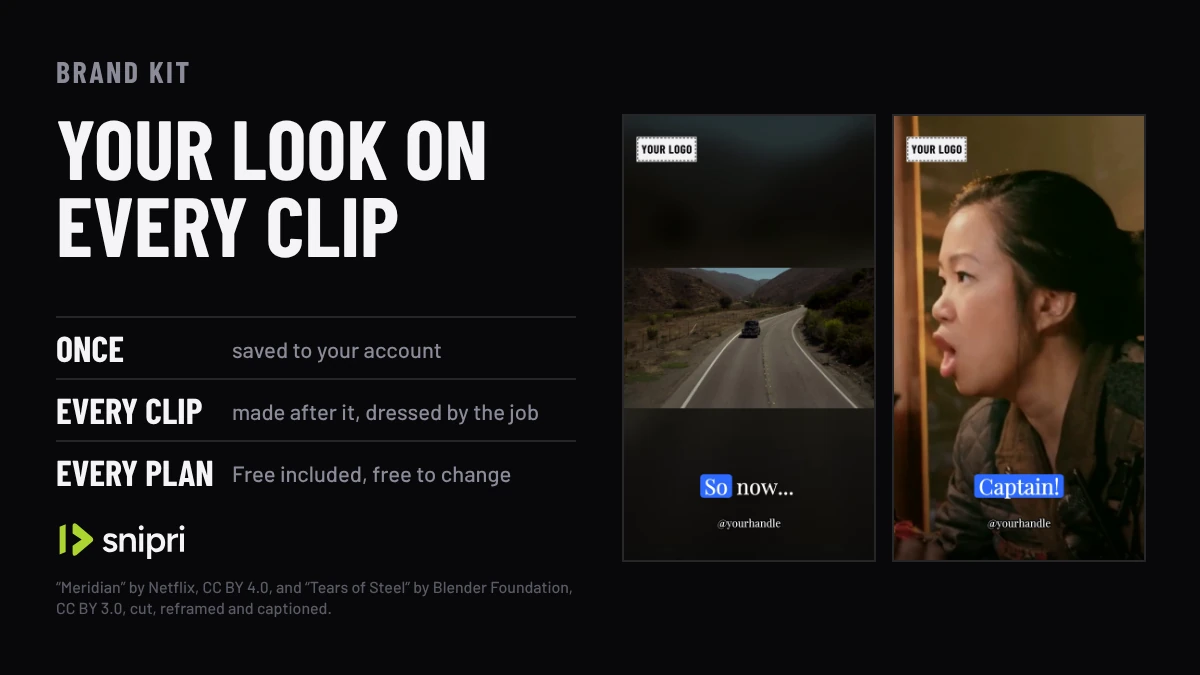
Once
Saved to your account, read by every new job
Logo
PNG, JPEG or WebP, placed where you put it
120 characters
Of standing text, such as your handle
6 colours
In your palette, beside the stock swatches
TTF, OTF, TTC
Your own font, up to 8 MB
Every plan
Free included, and free to change
How the brand kit works
Save the look once
On the Brand page, pick a caption style, upload your logo and font, type your handle and add your colours. The page previews it over a frame of one of your own clips.
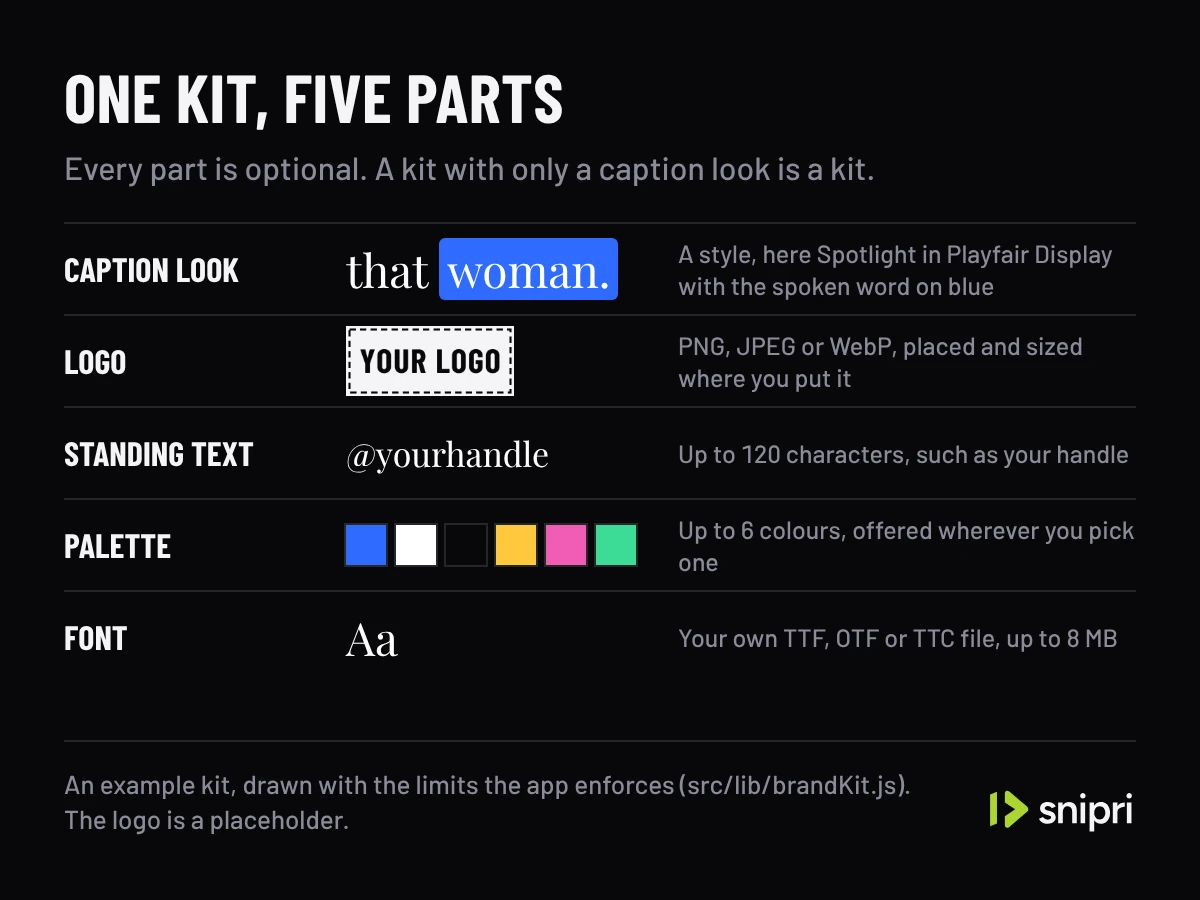
What one kit holds, with the limits the app enforces. New clips are born wearing it
Every job reads the kit as it starts, so each clip arrives with your captions, logo and handle already burned in.
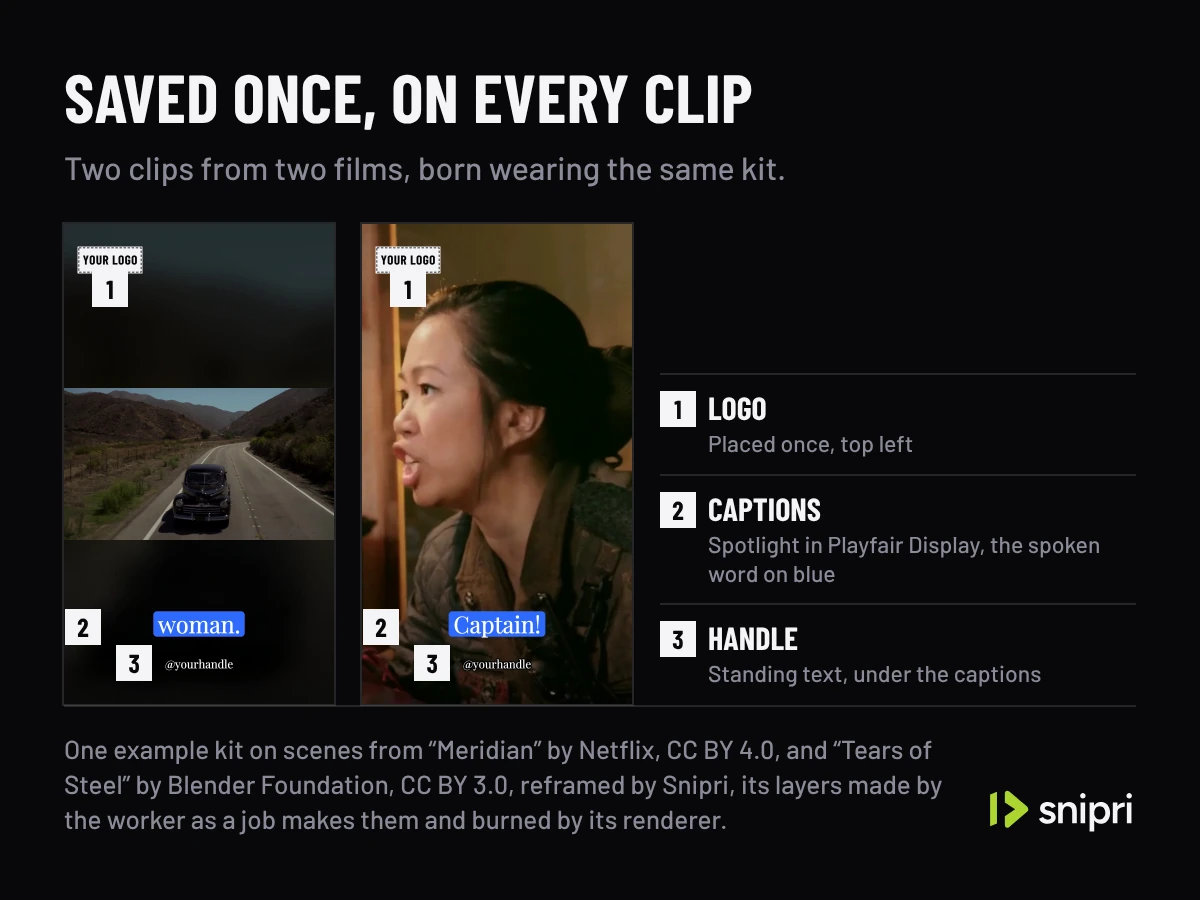
One example kit on scenes from “Meridian” by Netflix, CC BY 4.0, and “Tears of Steel” by Blender Foundation, CC BY 3.0, burned by Snipri's renderer. Change one clip, or the kit
Restyle any clip in the editor without touching the kit, or change the kit and every clip made after it follows. Neither uses another video.
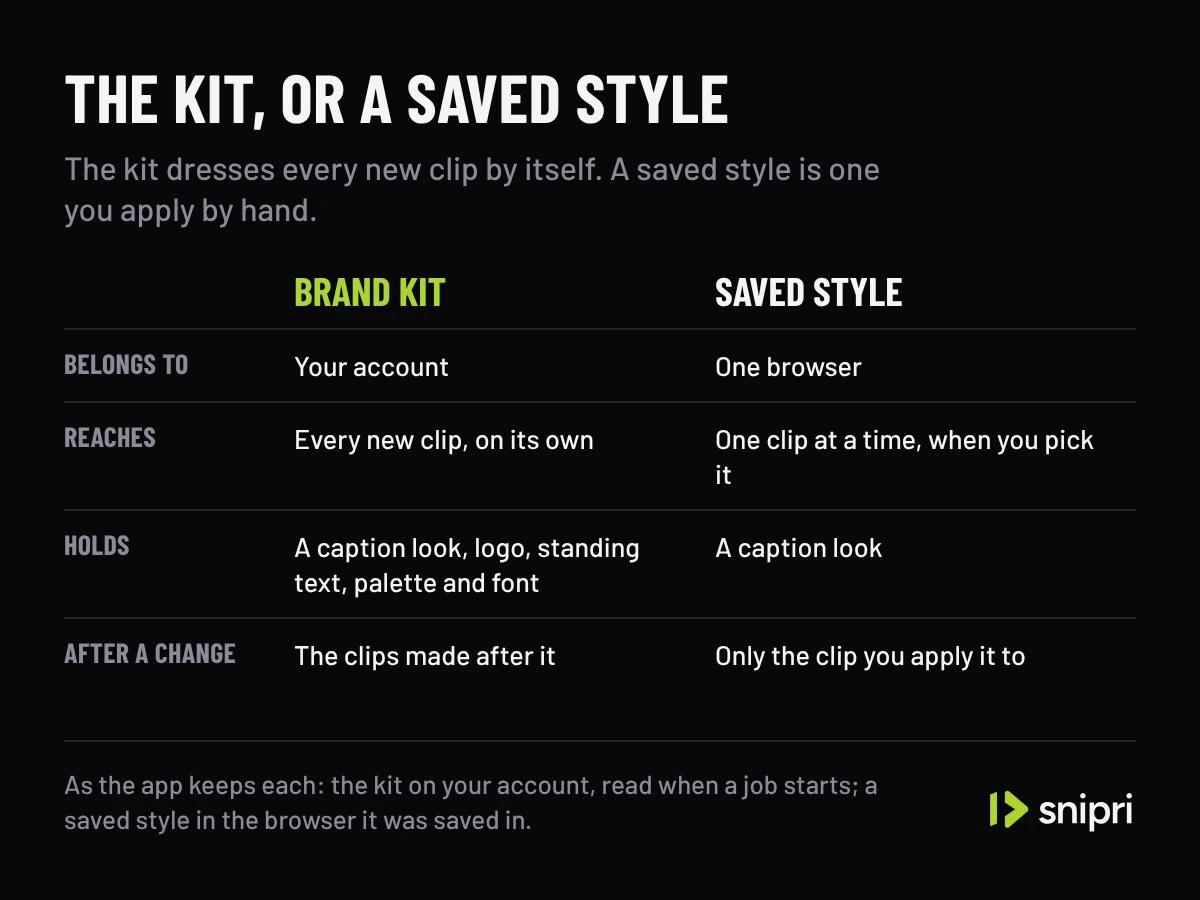
The brand kit beside a saved style, as the app keeps each.
One kit, three videos
The same look on every clip.
An example kit, Playfair Display with a blue box on the spoken word, burned by Snipri's renderer on clips it cut from three talks.
One example kit, Playfair Display and blue, on clips from three talks
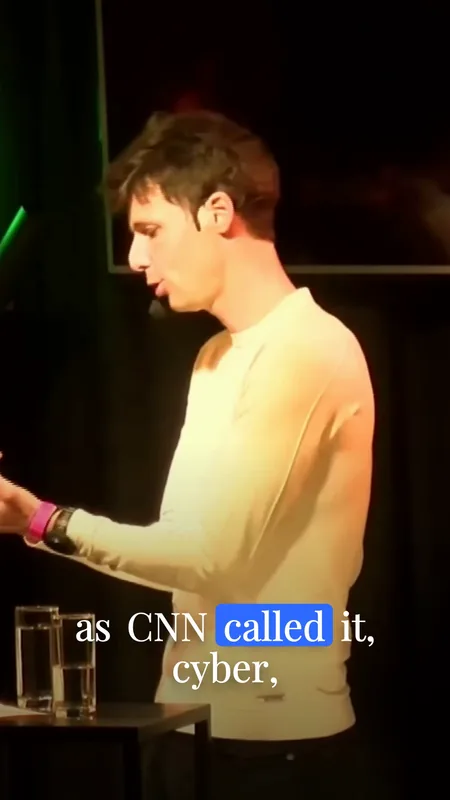
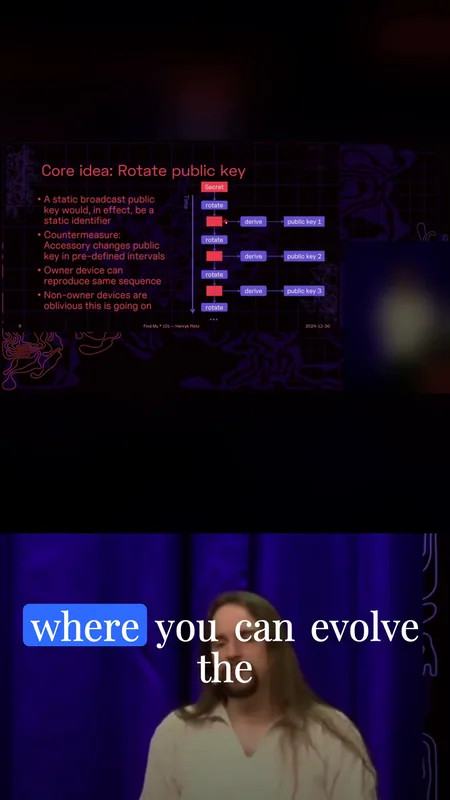
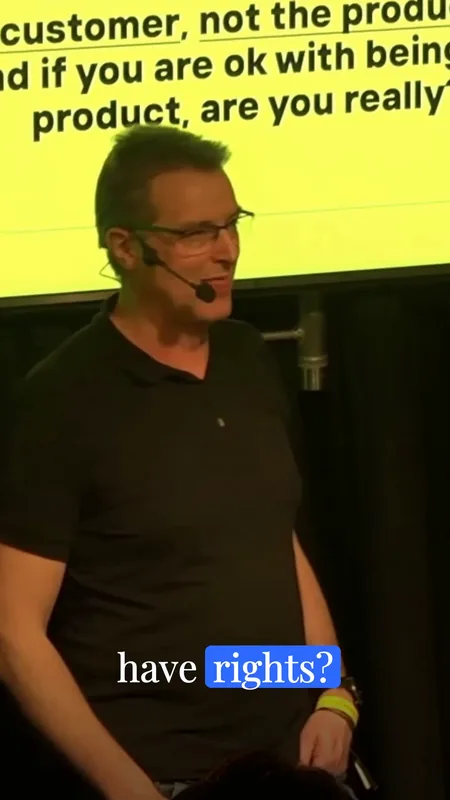
From “Ask me anything, with Huib Modderkolk” by Chris van 't Hof and Huib Modderkolk, Hacker Hotel 2025 (CC BY 4.0, via media.ccc.de); “Find My * 101” by Henryk Plötz, 38C3 (CC BY 4.0, via media.ccc.de); and “Frank talks AI, keynote style” by Frank Breedijk, Hacker Hotel 2025 (CC BY 4.0, via media.ccc.de), cut, reframed and captioned again by Snipri, with the congress's logo on the slide and the logo on Frank Breedijk's shirt painted out.
On podcasts, webinars and YouTube channels
Podcast clip maker
Your show's logo and handle go on every clip from every episode, without placing them each time.
Webinar clip maker
Your company's font and colours on every clip from every session, so a series looks like one series.
YouTube clip maker
Your channel's handle on every clip you cut from a YouTube video, so a viewer can find the full one.
What the brand kit does not do
It does not restyle clips you already have.
A change to the kit reaches the clips made after it.
It holds one look.
A second brand's look can be saved as a style in the editor and applied clip by clip.
It does not remove the watermark.
Clips on the Free plan carry the snipri.com mark, and every paid plan exports without it.
Frequently asked questions
Does the brand kit cost extra?
No. It is on every plan, Free included, and changing it is free.
Will changing the kit restyle clips I already made?
No. The kit is read when a job starts, so it dresses the clips made after you save it. Restyle an older clip in the editor.
What is the difference between the brand kit and a saved style?
The brand kit belongs to your account and dresses every new clip on its own. A saved style lives in your browser and is applied to one clip at a time, when you pick it in the editor.
Can I use my own font?
Yes. Upload a TTF, OTF or TTC file of up to 8 MB, and the kit uses it for captions and for your standing text.
Is Snipri free?
You start with 2 free videos of up to 1 hour each, once, with a watermark and no credit card. Paid plans start at $29.90/month for 10 videos a month, each up to 2 hours, without a watermark. A video counts once for each hour of it, rounded up, and only when it gives you at least one clip.
More Snipri features
AI clip selection
How Snipri's AI picks clips from a podcast or long video: it scores every moment, keeps only clips that stand on their own and shows why each one was chosen.
Auto reframe
Auto reframe turns horizontal video into vertical 9:16 clips. Snipri finds the speaker in each shot, stacks two or three people, or keeps the whole shot.
Animated captions
Animated AI captions for vertical clips: every word timed to the moment it is said, in a style you pick, in 25 languages, and restyled any time after export.
Clip editor
Snipri's clip editor: trim, split or extend a clip, rewrite its hook title, restyle the captions, add text, images, B-roll and music, then re-render it free.
Guides and comparisons
Try it on your own recording.
Upload one recording and see brand kit on your own video. Your first 2 videos are free, up to 1 hour each, no credit card needed.