Choose Snipri if your recordings run past 20 minutes and you want every part of them considered, with the reasons for each clip shown.
Choose Ssemble if you clip streams or videos under 20 minutes, want posting and channel automation, and want a lower price, from $6/month billed yearly.
Clip the whole episode, not a 20-minute slice of it. Snipri reads recordings of up to 3 hours and keeps the moments that stand on their own, from $29.90/month.
Your first 2 videos are free, up to 1 hour each. No credit card required.
Checked on October 22, 2026 against Ssemble's own pages; every link is under Sources. Written by Cihan Düzgören, who builds Snipri.
Price a month on Snipri and Ssemble
Ssemble counts credits and Snipri counts videos. Set the month you expect, and each side shows the cheapest plan that covers it. Monthly prices are compared with monthly ones, and yearly with yearly.
4
60 min
Snipri
$29.90/month
Starter Uses 4 of 10 videos per month
A recording counts as one video for each hour of it, rounded up.
Ssemble
$15/month
Pro Uses 4 of 30 credits per month
Only 20 minutes of each recording are processed.
4 recordings of 60 minutes, billed monthly. Ssemble's figures come from its own site, checked on October 22, 2026; its links are under Sources. Prices in USD.
Three example months, billed monthly
Month
Snipri
Ssemble
4 recordings of 60 minutes
Starter$29.90/month
Pro$15/monthOnly 20 minutes of each recording are processed.
12 recordings of 45 minutes
Pro$89.90/month
Pro$15/monthOnly 20 minutes of each recording are processed.
30 recordings of 90 minutes
Scale$299/month
Pro$15/monthOnly 20 minutes of each recording are processed.
Comparing Snipri vs. Ssemble
We build Snipri, so read this as one side's comparison.
Snipri and Ssemble, feature by feature, checked October 22, 2026
Feature
Snipri
Ssemble
What you pay for
Videos per month, one for each hour of a recording, rounded up: three clips or ten from it count the same, and a recording that gives no clips is not counted.
Video credits: one credit per video, for a part of up to 20 minutes
Lowest paid plan
Starter: $29.90/month for 10 videos, up to 2 hours each, or $23.91/month billed yearly ($286.90)
Pro: $15/month, or $6/month billed yearly ($72), 30 credits per month (360 a year)
Free plan
2 videos of up to 1 hour each, once, with a watermark. Clips never expire.
Not stated; plans from $6/month
Watermark-free on the lowest paid plan
Yes
Not stated
Longest video
1 hour on Free, 2 hours on Starter and 3 hours on Pro and Scale; links and cloud files up to 1 hour
A part of up to 20 minutes of each video
Export quality
1080 by 1920 on every plan, the free one included; square or landscape in the editor. Video pages are fetched at up to 720p.
Not stated
Caption languages
25 languages for transcription and captions, chosen when you add the video or detected automatically
Over 30 languages for AI clipping
YouTube link import
Yes, public videos. Also file upload, other video links, Dropbox and Google Drive.
Yes, public videos; also Vimeo, Kick and Twitch links and MP4, MOV or WEBM files
Posting and scheduling
No. You download the clips and post them yourself.
Yes. Schedule and post to TikTok, YouTube and Instagram, with 1 social account on Pro and 3 on Expert
API
Yes, on Starter, Pro and Scale, with a signed webhook when a job ends
Free, Starter, Pro and Scale. Every plan's price and limits are on the pricing page.
Ssemble pricing
Pro: $15/month or $6/month billed yearly ($72), 30 credits per month or 360 a year, 1 social account
Expert: $30/month or $12/month billed yearly ($144), 70 credits per month or 840 a year, 3 social accounts
Business: $60/month or $24/month billed yearly ($288), 150 credits per month or 1,800 a year, unlimited social accounts
Custom: $100/month or $40/month billed yearly ($480), 2,600 credits (the page gives this figure for a month and for a year)
Why choose Snipri over Ssemble
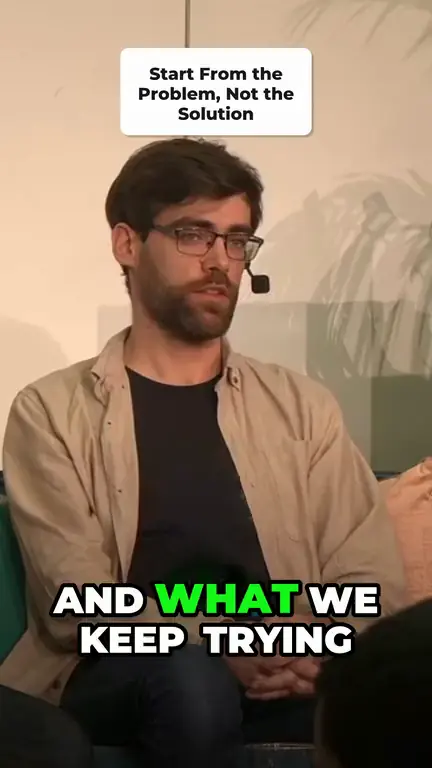
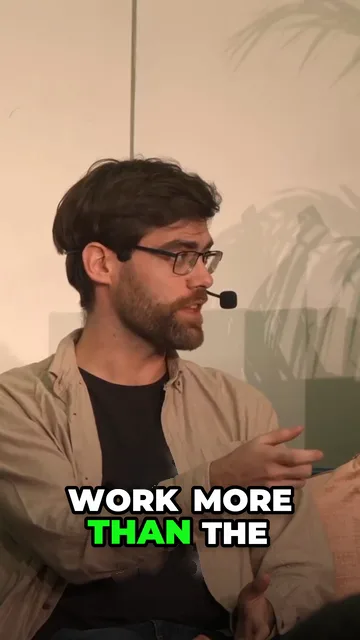
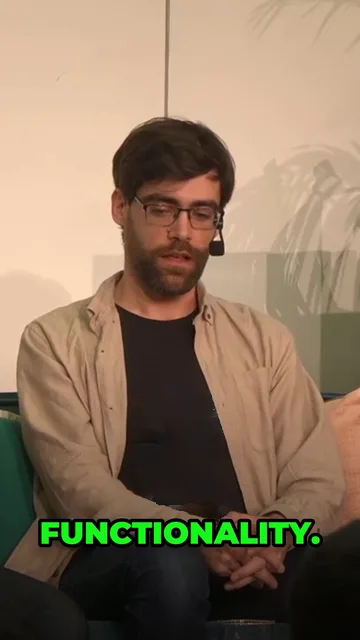
One real job: 7 clips kept from a 46-minute fireside chat
Clips from “Fireside Chat: Godot's Next Milestones” by Ben Vehling, Matt Ellis and Rémi Verschelde, GodotFest 2025 (media.ccc.de, CC BY 4.0), cut, reframed and captioned by Snipri, with the logos on the speakers' shirts painted out.
The whole recording, not 20 minutes of it
Ssemble's FAQ says each video is clipped from a part of up to 20 minutes, so a 60-minute episode gives clips from a third of it. Snipri reads all of it, up to 1 hour on Free, 2 hours on Starter and 3 hours on Pro and Scale, as in the job pictured.
This clip's scores from its job. The first three must reach 7.
Hook7
Payoff7
Standalone7
Arc6
Quotability6
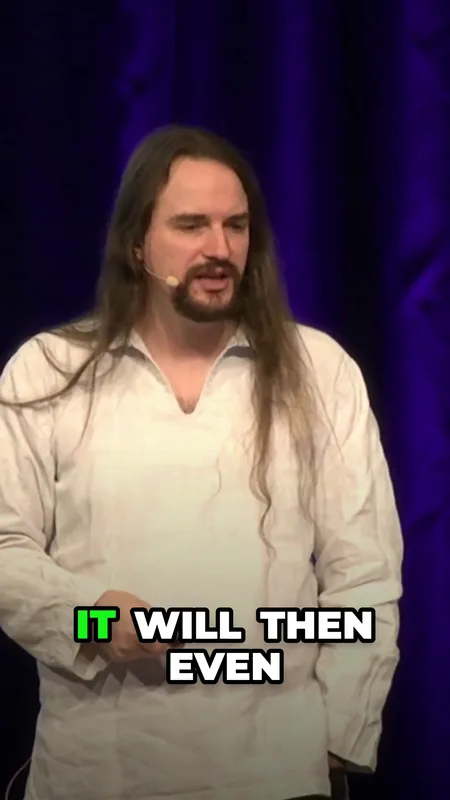
From “Find My * 101” by Henryk Plötz, 38C3 (CC BY 4.0, via media.ccc.de), cut, reframed and captioned by Snipri.
Every pick shows its scores
Snipri scores each candidate on hook, payoff, standalone sense, arc and quotability, and shows the scores beside every clip it keeps, so you can see why a moment made it.
Wide shotStacked 9:16
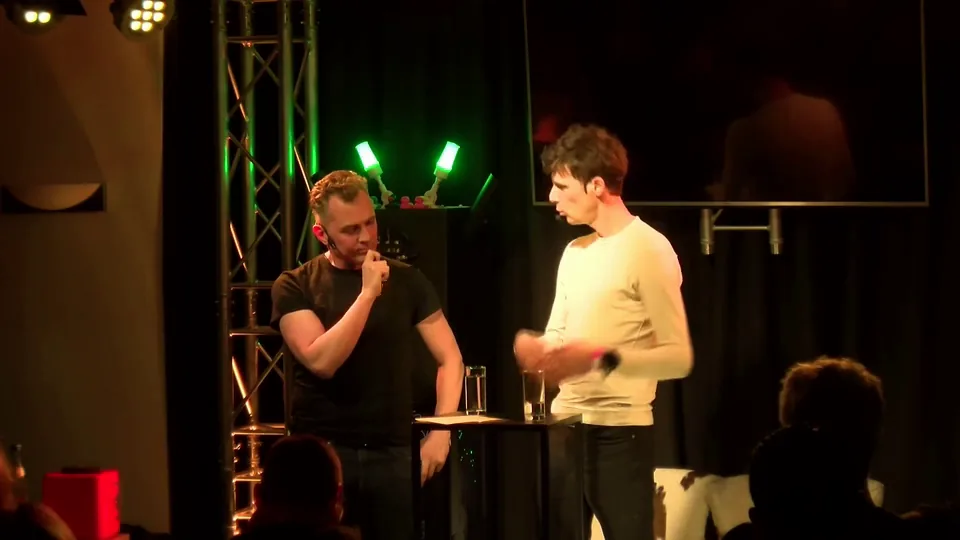
From “Ask me anything, with Huib Modderkolk” by Chris van 't Hof and Huib Modderkolk, Hacker Hotel 2025 (CC BY 4.0, via media.ccc.de), reframed by Snipri, with the logo on Chris van 't Hof's shirt, the stand's prints and the microphone box's logo painted out.
Two speakers, one vertical frame
When two people share a wide shot, as on most podcast sets, Snipri can stack them in one 9:16 frame or cut to whoever is talking, so neither drops out of the clip.
When Ssemble is the better fit
You clip Twitch or Kick streams from a link, or gameplay with its Game Video option
You want clips scheduled to TikTok, Shorts and Reels, or a YouTube channel watched and clipped automatically
Your videos are under 20 minutes and you want the lowest price per video
How Ssemble and Snipri work
Ssemble
Ssemble's home page covers YouTube videos, Twitch and Kick streams and gameplay.
1
Paste a public YouTube, Vimeo, Kick or Twitch link, or upload an MP4, MOV or WEBM file, and pick a part of up to 20 minutes.
2
The AI finds moments and adds captions, face tracking and a hook line; gameplay gets its own Game Video option.
3
Schedule the clips to TikTok, Shorts and Reels, or let Channel Automation clip and post each new video from a YouTube channel.
Upload the full recording, or paste the same public YouTube link. Snipri reads all of it, up to your plan's length, and counts one video for each hour of it, rounded up.
What stays with Ssemble
Scheduled posts, Channel Automation and unused credits stay with Ssemble. Snipri does not post for you.
Ssemble: common questions
How much of a long video does Ssemble clip?
Ssemble's pricing page says one credit covers one video of up to 20 minutes, and its FAQ says you select a part of up to 20 minutes from each video, so from a 60-minute recording you choose a third. Snipri reads the whole recording, up to 1 hour on Free, 2 hours on Starter and 3 hours on Pro and Scale.
Is Ssemble cheaper than Snipri?
Per month, yes. Ssemble's Pro is $15/month, or $6/month billed yearly, for 30 credits a month, and each credit is one video's 20 minutes. Snipri's Starter is $29.90/month for 10 videos of up to 2 hours each, counted by the hour. If your recordings are long, compare what each plan reads of them, not only the price.
Can Snipri clip streams and gameplay?
Yes, from the recording. Choose Gaming as the kind of video and Snipri keeps a play from its setup to its outcome, or a question from chat with its answer. Live streams are not supported: upload the replay once the stream ends, up to 3 hours on Pro.
Does Snipri schedule posts like Ssemble?
No. Snipri connects to no social account and has no scheduler or channel automation. You download each clip and post it where you like, which also means nothing goes out under your name without you.
Does Ssemble have a free plan?
Its pricing page does not list one: plans start at Pro, $15/month or $6/month billed yearly. Snipri's free plan gives 2 videos of up to 1 hour each, once, with a watermark and no credit card, and Snipri reads all of each one, where an Ssemble credit covers 20 minutes.