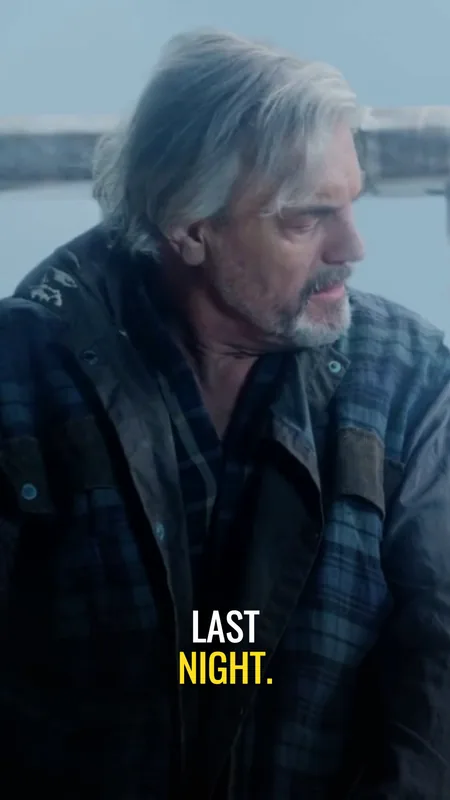
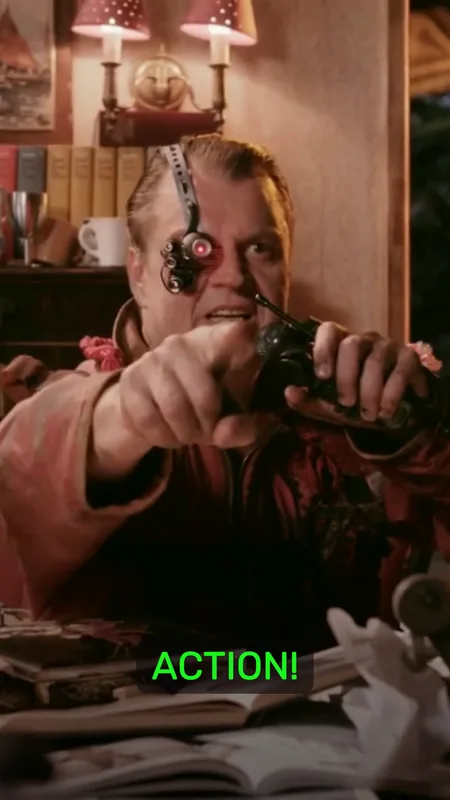
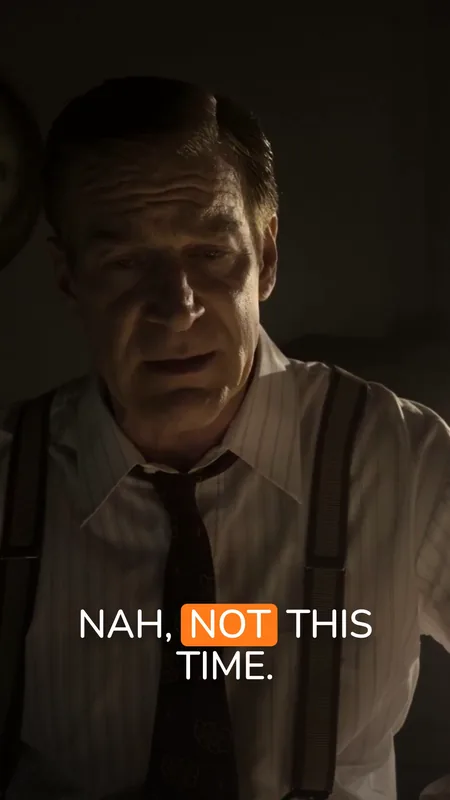
Captions let people follow a clip when the audio is off or hard to hear. On a vertical clip they also share a narrow frame with the speaker's face and with the buttons and text the app lays over the video, so where they sit matters as much as what they say.
The guides on this shelf start with the choice between open captions, burned into the picture and the same in every app, and closed captions, a separate track the viewer switches on. Then they turn to the review that catches what automatic transcription gets wrong: names, numbers and negatives first, then the timing at each end of the cut, then the contrast over the real footage. Each guide lists the pages it quotes, with the day they were checked.
Snipri burns animated captions into every clip it cuts, word by word, in the style you pick, and you can correct any word in the editor before you download. The review steps here apply whichever tool wrote the captions, and the podcast clip maker shows them on a real episode's clips.
Open Captions vs Closed Captions: Which to Use
Open captions are burned into the picture; closed captions are a track viewers can switch off. When each suits a short clip, in W3C's own definitions.
Add Captions to Podcast Clips: A Review Workflow
Check podcast captions for transcription errors, timing, contrast and placement, then review the exported clip before publishing. Includes a reusable checklist.